Expenso vs Splitwise: which is better for splitting rent?
Both apps track shared expenses and simplify who owes who. The difference shows up in what a household pays for, and in how many expenses the free plan lets you log.
For a household logging bills every week, Expenso’s free plan goes further — it allows unlimited expenses in up to two active groups, where Splitwise’s free plan limits how many expenses you can add per day. Splitwise is the safer pick if your group already uses it, since the tracking fundamentals are equivalent and it supports recurring expenses without requiring the household to migrate its history.
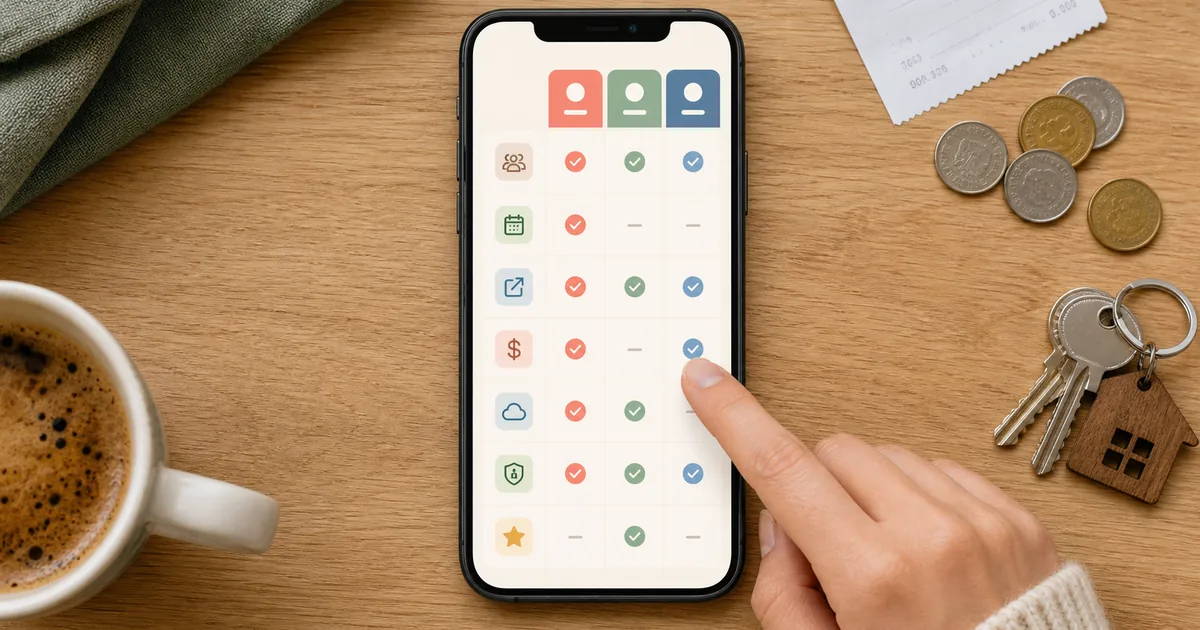
Feature comparison
Capability-level comparison of the two apps for a shared household.
| Feature | Expenso | Splitwise |
|---|---|---|
| Group expense tracking | SupportedYes | SupportedYes |
| Equal, exact, % and share splits | SupportedYes | SupportedYes |
| Simplified debts | SupportedFewer payments to settle | SupportedYes |
| Unlimited expenses on the free plan | SupportedUnlimited, no daily cap | Partially supported~Free plan caps entries per day |
| Groups on the free plan | Partially supported~2 active groups | SupportedNo group limit |
| Recurring expenses with a saved split | Partially supported~Expenso Pro | SupportedRecurring expenses supported |
| Receipt attachments | Partially supported~Expenso Pro | Partially supported~On the paid plan |
| Offline expense entry | Partially supported~Expenso Pro — syncs when you reconnect | Partially supported~Check current plan details |
| Multi-currency groups | SupportedYes | SupportedYes |
| Web app as well as mobile | SupportedYes | SupportedYes |
| Paid plan price | Supported$2.99/mo or $19.99/yr | SupportedSee Splitwise pricing |
Verification sources: Splitwise’s official Pro feature overview, its free-tier expense-limit explanation, and its recurring-expense guide. Expenso details are checked against the currently shipped product and Expenso plan information.
Who each one is for
- Your household logs several shared costs a day and you do not want to hit a daily entry cap.
- You run one or two long-running groups — a flat, a couple, a regular trip crew — rather than a dozen.
- You split by room size or income and want the percentages saved rather than re-entered.
- You want offline entry and receipt attachments in one paid plan at $2.99/mo.
- Everyone in your group already has it installed and is using it.
- You keep many separate groups open at once and need more than two.
- You want the largest network of people who already know the app.
- You are mid-lease and the cost of moving history outweighs the gain.
The rent-specific difference
For one-off costs — a dinner, a taxi, a weekend away — the two apps are close to interchangeable. Both let you split unequally, both simplify the resulting web of debts, and both keep a running balance per person.
Rent is a different shape of problem. It is the same amount, between the same people, on the same percentages, twelve times a year. Two things decide which app suits it: whether the app can hold that split and re-apply it automatically, and whether the free plan lets you keep logging the surrounding bills without hitting a ceiling in the same week the bills arrive.
The best rent app is the one nobody has to open on the first of the month.
Everything else — receipt storage, exports, offline entry — is about whether the record survives a disagreement nine months later. If you have not settled on a split method yet, start with how to split rent with roommates fairly.
Frequently asked questions
Is Expenso free?
What happens to my data if I stop paying for Pro?
Which is better specifically for splitting rent?
Can I use both at once?
Last verified July 2026 against each provider’s published plan details. Plan features change — check both before switching.
Jonas M.
Product contributor to Expenso’s splitting tools
Jonas works on the part of Expenso that decides who owes what. He writes about the mechanics of shared money — why simplified debts work, where splitting rules break down, and what actually changes when a bill repeats every month.